
What is the "History" button?
The "History" button becomes available once all parties have e-signed the lease thru Lease Runner. It can be found on the Tenant Details page in your account, for any of the tenants who were a party to the lease. Go to >> Properties >> Manage Occupants >> click on tenant's name. This takes you to the Tenant Details page. Navigate to the "Executed Documents" tab. At the bottom, if you have a tenant with Executed documents, you will see the "History" button.
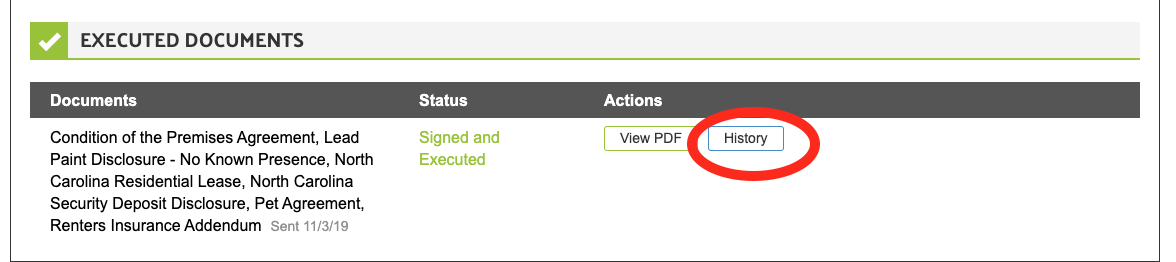
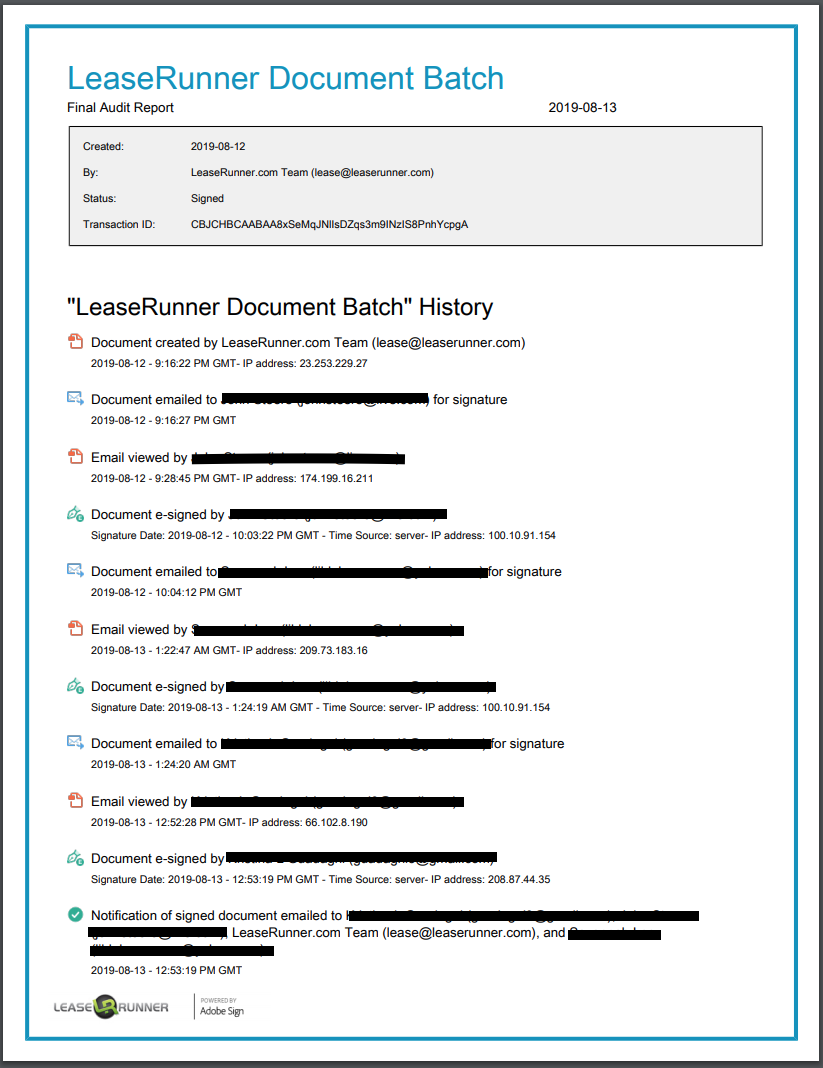
The History button provides timestamps, IP addresses, and email addresses of all parties who signed the document. If you should be required to provide a copy of your e-signed lease to any authority, you may want to include a copy of the Audit Trail.
Email address works as a person's online identity. Only a person with authenticated access to the email address would have the ability to access and sign the document.
Please always require a unique email address from each of your lease signers.
Example of document history:
Comments
0 comments
Please sign in to leave a comment.